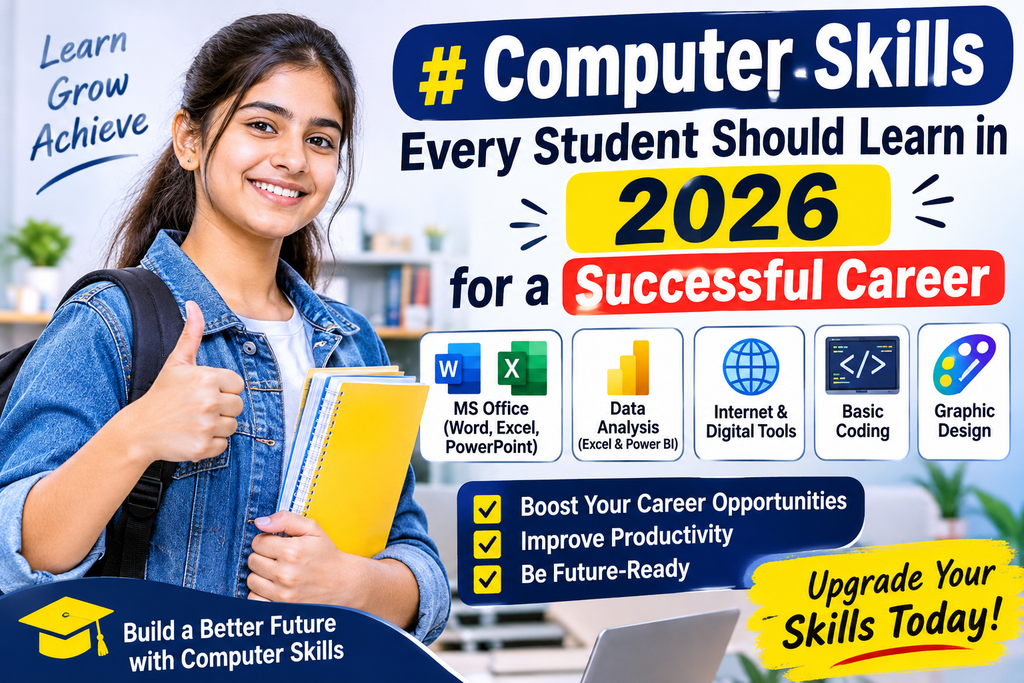
Top 10 Computer Skills Every Student Should Learn in 2026 for a Successful Career
Technology is changing the way people study, work, communicate, and build their careers. Today, almost every industry depends on computers and digital tools to complete daily tasks. From managing business accounts to creating websites, analyzing data, and promoting products online, computer skills have become an important part of professional life.
For students, fresh graduates, and job seekers, learning practical computer skills can open doors to different career opportunities. Whether you want to work in an office, start freelancing, manage a business, or enter the IT industry, the right computer training can help you move towards your goals.
If you are searching for computer courses in Kirari, choosing a course that teaches practical and industry-relevant skills is a good starting point.
Let’s explore the top 10 computer skills that students should consider learning in 2026.
1. Basic Computer Knowledge
Basic computer knowledge is the foundation of digital education. Before learning advanced software or programming, students should understand how computers work and how to use them effectively.
Important topics include:
- Introduction to computers and operating systems
- Windows operating system
- File and folder management
- Internet browsing and email
- Microsoft Word
- Microsoft Excel
- Microsoft PowerPoint
- Basic computer security
These skills are useful for students, office assistants, data entry operators and beginners who want to develop computer confidence.
2. Advanced Excel for Office and Data Management
Microsoft Excel is one of the most widely used applications in offices, companies, educational institutions and business organizations.
Advanced Excel helps professionals manage large amounts of information, perform calculations and analyze business data.
Students should learn:
- VLOOKUP and HLOOKUP
- XLOOKUP
- SUMIF and SUMIFS
- COUNTIF and COUNTIFS
- IF and nested IF formulas
- Pivot Tables and Pivot Charts
- Sorting and Filtering
- Conditional Formatting
- Data Validation
- Excel Dashboards
Practical Excel knowledge can be useful for accounting assistants, MIS executives, data entry operators and administrative professionals.
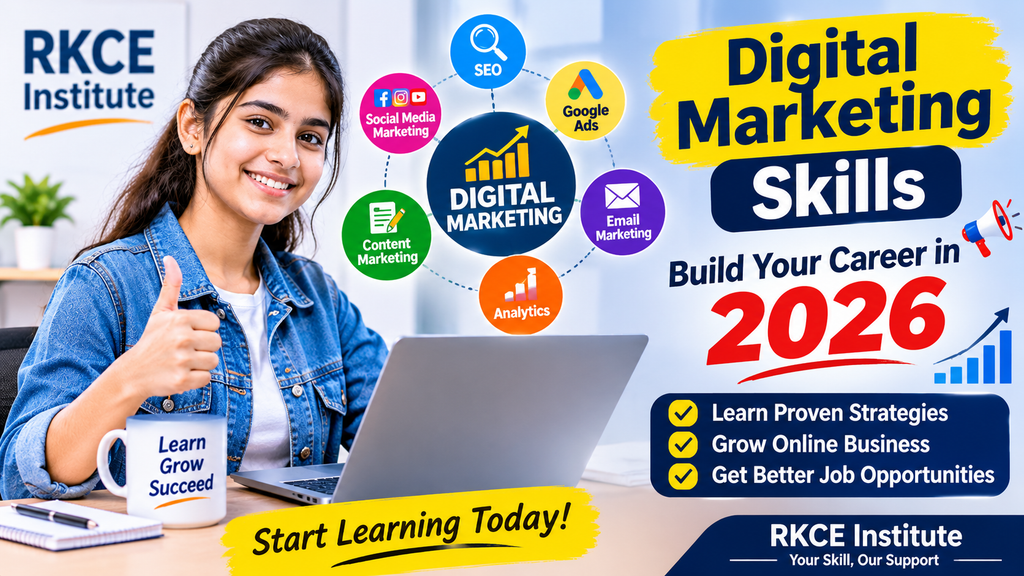
3. Digital Marketing Skills
Businesses are increasingly using online platforms to reach customers, generate leads, and promote their products and services.
Digital marketing teaches students how to promote a business through search engines, websites, social media and online advertisements.
Important digital marketing skills include:
- Search Engine Optimization (SEO)
- Social Media Marketing
- Google Ads
- Meta Ads
- Content Marketing
- Email Marketing
- Website Management
- Google Analytics
- Lead Generation
- AI Tools for Marketing
Students can explore career paths such as SEO Executive, Social Media Executive, Digital Marketing Executive, and Freelance Digital Marketer.
4. Tally Prime with GST and Accounting
Accounting is an essential part of almost every business. Companies need professionals who can maintain financial records, prepare invoices and manage business transactions.
Tally Prime is a popular accounting software used by businesses to manage financial activities.
Students should understand:
- Company Creation
- Ledger Creation
- Groups and Stock Items
- Purchase and Sales Entries
- Payment and Receipt Vouchers
- Contra and Journal Entries
- GST Configuration
- GST Invoicing
- Inventory Management
- Financial Reports
Learning accounting software can help students prepare for opportunities in accounting departments, retail businesses and small and medium-sized organizations.
5. Graphic Designing
Graphic designing is an important skill for people interested in creativity and visual communication.
Businesses need attractive designs for advertisements, websites, social media posts, banners and promotional materials.
Students can learn:
- Canva
- Adobe Photoshop
- CorelDRAW
- Logo Designing
- Poster Designing
- Social Media Creatives
- Banner Designing
- Image Editing
- Typography and Colour Theory
Graphic designing can help students explore opportunities in creative agencies, freelancing and digital marketing companies.
6. Power BI and Data Analytics
Data is becoming increasingly important for business decision-making. Companies use data to understand customer behaviour, sales performance and business growth.
Power BI is a business intelligence tool that helps users transform data into interactive reports and dashboards.
Important topics include:
- Introduction to Power BI
- Data Import and Data Cleaning
- Power Query
- Data Modelling
- DAX Fundamentals
- Charts and Visualizations
- Interactive Dashboards
- Business Reports
Power BI skills can be useful for aspiring data analysts, MIS professionals and business reporting executives.
7. Website Designing and Development
A website helps businesses establish their online identity and connect with customers.
Website designing combines creativity and technical knowledge to create attractive, responsive and user-friendly websites.
Students can learn:
- HTML
- CSS
- JavaScript Fundamentals
- WordPress
- Website Layout and Structure
- Responsive Website Design
- Basic SEO
- Domain and Hosting
- Website Management
Students interested in technology and creativity can explore careers in website designing, WordPress development and web development.
8. Full Stack Web Development
Full Stack Development is a technical skill that involves working on both the front end and back end of websites and web applications.
It is suitable for students who want to develop programming and software development skills.
Important learning areas include:
- HTML and CSS
- JavaScript
- Front-End Development
- PHP Fundamentals
- Database Management
- MySQL
- Backend Development
- Website Projects
- Application Development Basics
Practical projects help students understand how real websites and applications are developed.
9. AI Tools and Modern Digital Skills
Artificial Intelligence is becoming an important part of education, business and professional work.
Students can use AI tools to improve productivity, generate ideas, organize information and support creative tasks.
Useful learning areas include:
- Understanding Artificial Intelligence
- ChatGPT for Learning and Productivity
- AI-Based Content Creation
- AI Image Generation
- AI Video Creation
- AI Tools for Digital Marketing
- Prompt Writing
- Responsible Use of AI
AI tools should be used as productivity assistants while students continue developing their own knowledge and practical abilities.
10. Communication and Professional Computer Skills
Technical knowledge is important, but communication and workplace skills are equally valuable.
Students should also develop:
- Professional Email Writing
- Microsoft Word Documentation
- PowerPoint Presentations
- Internet Research
- Data Management
- Time Management
- Problem-Solving
- Interview Preparation
Combining technical knowledge with communication skills can help students become more confident in professional environments.
Why Choose RKCE Institute for Computer Courses in Kirari?
Choosing the right training institute is an important step in developing professional skills.
RKCE Institute focuses on practical computer education and skill development for students, beginners and working professionals.
At RKCE Institute, students can explore different training programmes, including:
- Basic Computer Course
- DCA (Diploma in Computer Applications)
- DFA (Diploma in Financial Accounting)
- Advanced Excel
- Tally Prime with GST
- Digital Marketing
- Graphic Designing
- Power BI
- Website Designing
- Full Stack Development
- BCA Coaching
What Makes Practical Training Important?
1. Hands-On Learning: Practising on computers helps students understand software and technical concepts more effectively.
2. Real-World Assignments: Practical exercises help students apply what they learn to everyday tasks.
3. Expert Guidance: Learning with proper guidance helps students understand difficult topics and improve their skills.
4. Career-Oriented Learning: Selecting relevant courses can help students prepare for different professional opportunities.
5. Skill Development: Regular practice builds confidence and improves problem-solving abilities.
Who Should Join Computer Courses?
Computer education can be beneficial for different types of learners.
- School and college students who want to develop additional skills.
- Fresh graduates preparing for professional opportunities.
- Job seekers who want to improve their computer knowledge.
- Working professionals interested in upgrading their skills.
- Business owners who want to understand digital tools.
- Beginners who want to learn computers from the basics.
How to Choose the Right Computer Course?
Before joining any computer training programme, consider the following points:
- Identify your career interests and learning goals.
- Choose a course that matches your requirements.
- Check the course syllabus and practical topics.
- Understand the teaching methodology.
- Ask about assignments and project-based learning.
- Check the institute’s facilities and trainer experience.
- Compare course duration and fees before enrolling.
The best course is not necessarily the one with the most topics. It is the one that helps you develop useful skills through consistent practice.
Frequently Asked Questions (FAQs)
1. Which computer course is best for students in 2026?
Advanced Excel, Digital Marketing, Tally Prime with GST, Power BI, Graphic Designing and Full Stack Development are useful options. The right choice depends on your interests and career goals.
2. Where can I learn computer courses in Kirari?
Students can explore RKCE Institute in Pratap Vihar Part 1, Kirari, Delhi, which offers different computer and professional training programmes.
3. Is Advanced Excel useful for getting an office job?
Yes. Advanced Excel is useful for data management, reporting, calculations and business analysis. These skills are relevant to many office-based roles.
4. Can beginners join a digital marketing course?
Yes. Beginners can start with marketing fundamentals and gradually learn SEO, social media marketing, Google Ads, content creation and analytics.
5. Is Tally Prime with GST useful for accounting?
Yes. Tally Prime helps users manage accounting transactions, inventory, GST invoices and financial reports.
6. Does RKCE Institute offer practical computer training?
RKCE Institute focuses on practical training, assignments and industry-oriented computer education. Contact the institute to understand the current course structure.
Conclusion
Learning computer skills is an important step towards building a strong professional foundation in 2026. From basic computer knowledge and Advanced Excel to Digital Marketing, Power BI, Accounting and Full Stack Development, students have many options to explore.
The key is to select the right course, practise regularly and apply your knowledge through practical projects.
If you are looking for computer courses in Kirari, RKCE Institute can be a starting point for exploring skill-based computer education.
Start Learning Today with RKCE Institute!
Develop practical skills, improve your computer knowledge and take the next step towards your career goals.
Contact RKCE Institute
Phone: +91 9268300849
Address: 1st Floor, A 30, Pratap Vihar Part I, Kirari Suleman Nagar, Delhi – 110086.
Website: https://rkceinstitute.com/
Join RKCE Institute and take your first step towards a skilled and confident future.
