
Best POWER BI training Institute in Kirari

RKCE offers the best Power BI training in Kirari, focusing on hands-on learning and essential skills like data modeling, dashboards, and DAX formulas. With expert guidance and an industry-ready approach, RKCE prepares you for a successful career in data analytics.

Top Power BI Institute in Kirari ?

RKCE is recognized as the top Power BI institute in Kirari, offering expert-led training designed to build your skills in data analysis and visualization. Our comprehensive curriculum includes data modeling, dashboard creation, DAX formulas, and report generation, ensuring a strong foundation for your career. With a focus on practical learning and real-world projects, RKCE prepares you to excel in the field of data analytics.

Why Choose RKCE for Power BI ?

Expert Faculty

Learn from industry professionals with extensive real-world experience.

Practical Training

Real-world projects for hands-on skill building.

Affordable Fees

Quality training at competitive and accessible prices.

Industry-Relevant Curriculum

Courses designed to meet the latest trends and demands of the digital marketing industry.

Power BI Course Details

RKCE offers a comprehensive Power BI course designed for students and professionals looking to master data analysis and visualization. The course covers data modeling, creating interactive dashboards, DAX functions, and report generation, ensuring a deep understanding of Power BI tools and features.

Our training is conducted by experienced instructors, with a focus on practical learning through real-world projects. With flexible schedules and affordable fees, the course is tailored to meet the needs of learners at all levels. Join RKCE to build your expertise and unlock exciting career opportunities in data analytics.

Job Oppurtunities

Data Engineer

Reporting Analyst

Business Intelligence (BI) Developer

What You Will Learn

  • Overview of Business Intelligence
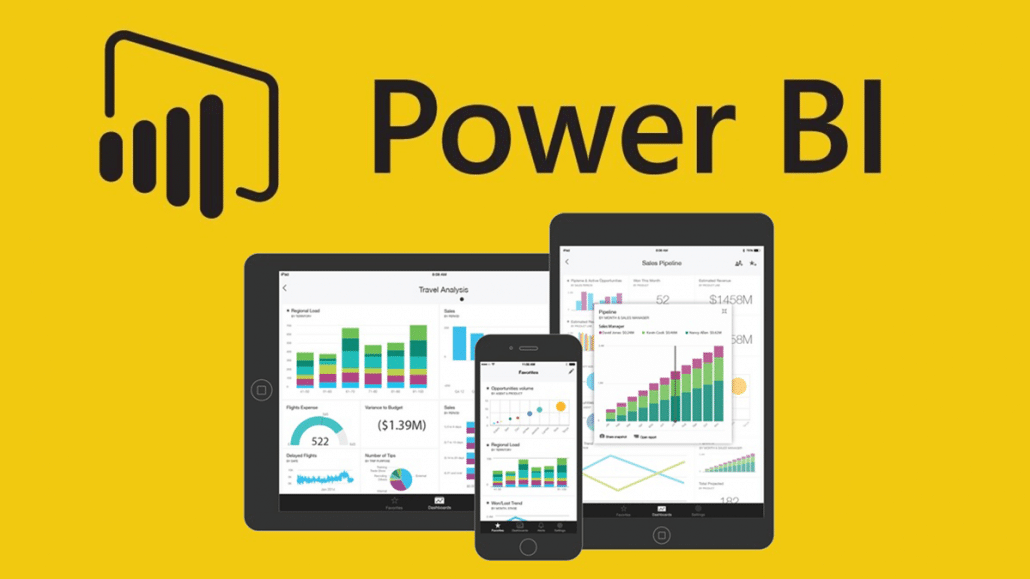
  • Introduction to Power BI Desktop, Service, and Mobile
  • Installation and Workspace Setup
  • Connecting to Data Sources (Excel, SQL, etc.)
  • Power Query Editor
  • Cleaning and Transforming Data
  • Creating Relationships Between Tables
  • Introduction to Star and Snowflake Schema
  • Calculated Columns and Measures
  • Introduction to DAX Functions
  • Aggregation, Logical, and Text Functions
  • Time Intelligence Functions
  • Designing Interactive Dashboards
  • Charts, Tables, and Maps in Power BI
  • Custom Visuals and Themes
  • Publishing and Sharing Reports
  • Managing Workspaces and Permissions
  • Using Power BI Apps
  • Power BI with Python and R Integration
  • Creating Forecasts and What-If Scenarios
  • Advanced DAX Concepts
  • Best Practices for Optimizing Reports
  • Performance Analyzer Tool
  • Data Compression Techniques
  • Embedding Power BI in Applications
  • Using Power BI REST API
  • End-to-End Project Development
  • Building Dashboards from Raw Data
  • Presenting Insights and Reports

FAQs

1. What are the prerequisites for learning Power BI?

No prior experience is required. However, basic knowledge of Excel, SQL, and data analytics concepts can be helpful.

2. How long does it take to learn Power BI?
  • It typically takes 4–8 weeks to learn the basics and advanced features, depending on your learning pace and commitment.
3. What are the main features of Power BI?
  • Data connectivity to various sources
  • Interactive dashboards and visualizations
  • Data modeling and DAX functions
  • Sharing and collaboration via the Power BI Service
  • AI and machine learning integrations
  •  
4. What industries use Power BI?

Power BI is widely used in industries such as finance, healthcare, retail, IT, marketing, and supply chain management for data-driven decision-making.

5. Can Power BI connect to multiple data sources?

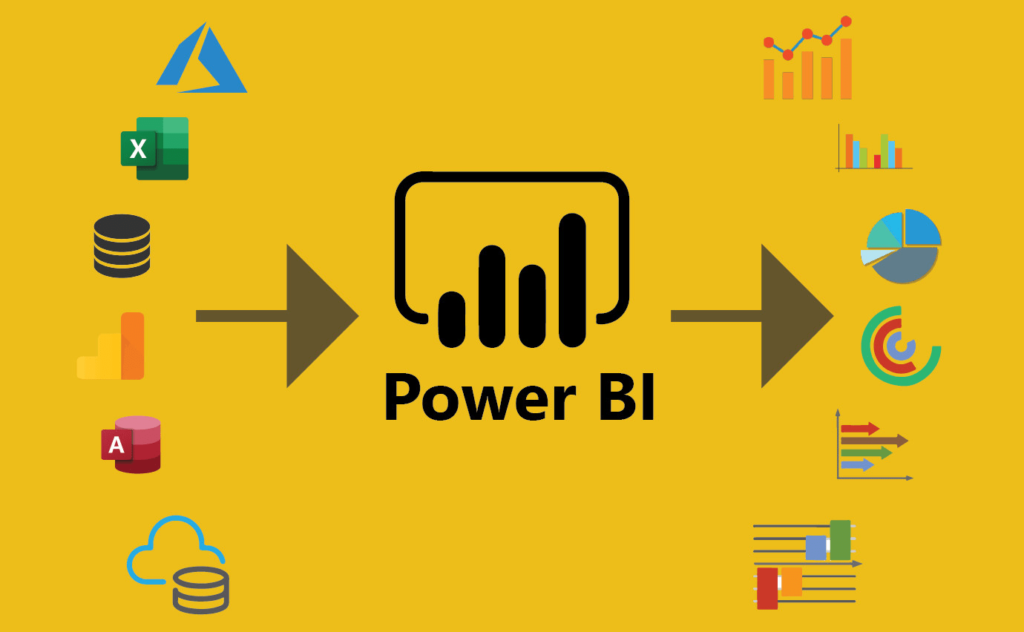
Yes, Power BI supports various data sources, including Excel, SQL Server, Oracle, cloud databases, APIs, and online services like Google Analytics

OUR Testimonial

— Ravi Sharma
— Ravi Sharma
The Tally course at RKCE was fantastic! The instructors made even the toughest concepts easy to understand. I now feel confident managing accounts and GST.
— Sakshi Gupta
— Sakshi Gupta
Thanks to RKCE’s Tally course, I can now handle accounting tasks like a pro. The practical training and hands-on sessions were incredibly helpful.

— Vikas Mehta
— Vikas Mehta
I had a great experience learning Tally at RKCE. The detailed modules on GST and payroll management have added immense value to my accounting skills.
— Neha Verma
— Neha Verma
RKCE's Tally course is perfect for beginners and professionals alike. The real-world projects and expert guidance helped me land a job as an Accounts Executive.

— Amit Roy
— Amit Roy
The Tally course at RKCE exceeded my expectations. The faculty is knowledgeable, and the practical labs ensured I mastered every feature of Tally.

— Priya Das
— Priya Das
Learning Tally at RKCE was the best decision for my career. The hands-on training in Tally Prime and GST has opened up new job opportunities for me.

— Rohit Aggarwal
— Rohit Aggarwal
RKCE’s Tally course covers everything from basics to advanced topics. I can now manage ledgers, invoices, and tax filing with ease!

— Pooja Bhatt
— Pooja Bhatt
I highly recommend the Tally course at RKCE. The flexible class timings and supportive instructors made learning stress-free and enjoyable.

— Karan Joshi
— Karan Joshi
The Tally training at RKCE provided me with the skills needed to handle accounting tasks efficiently. The personalized attention from instructors made all the difference.
Scroll to Top