In today’s digital world, having basic computer knowledge is no longer just an additional skill. It has become an essential part of education, employment, business, and everyday life. Whether you are a student, job seeker, homemaker, business owner, or someone who is completely new to computers, learning the fundamentals can make your daily work easier and improve your career opportunities.
If you are looking for a basic computer course in Kirari, Delhi, RKCE Institute provides practical computer training designed especially for beginners. The institute focuses on helping students understand computers through practical learning rather than only theoretical concepts. RKCE lists basic computer training among its courses and also provides other career-oriented programs such as DCA, web designing, digital marketing, Power BI, and Tally + GST.
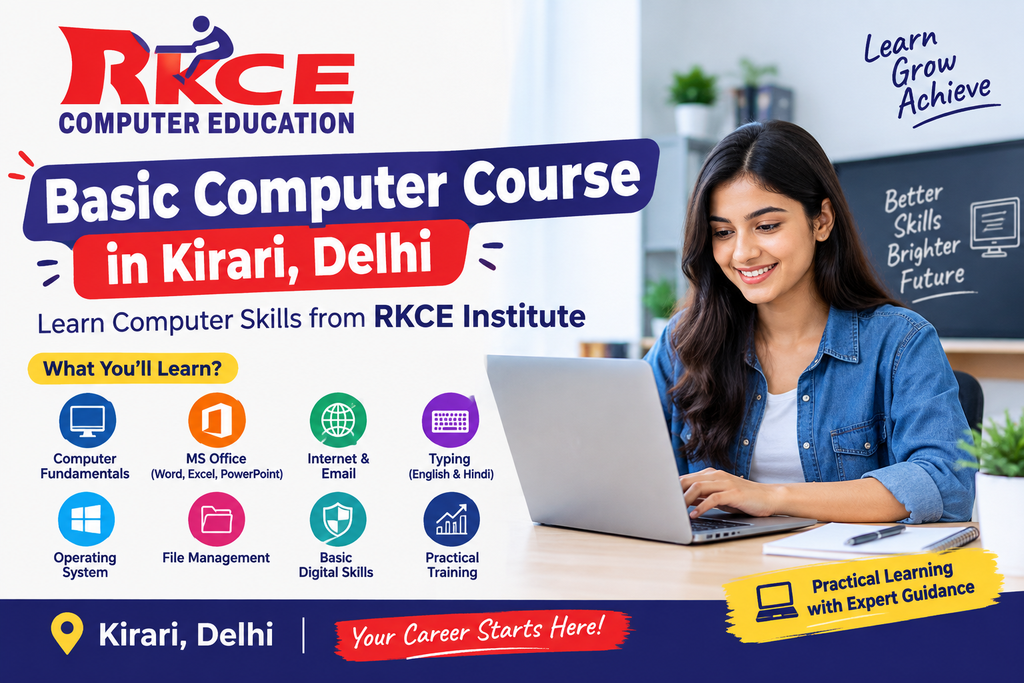
Why Learn Computer Skills?
Computers are used almost everywhere today. From creating documents and maintaining business records to sending emails and searching for information online, basic computer knowledge can help you perform everyday tasks more efficiently.
Basic computer training can help you:
- Understand how a computer works
- Use Windows and basic computer applications
- Create and edit documents
- Work with spreadsheets
- Prepare presentations
- Browse the internet safely
- Use email effectively
- Improve typing speed
- Manage files and folders
- Build confidence while working on a computer
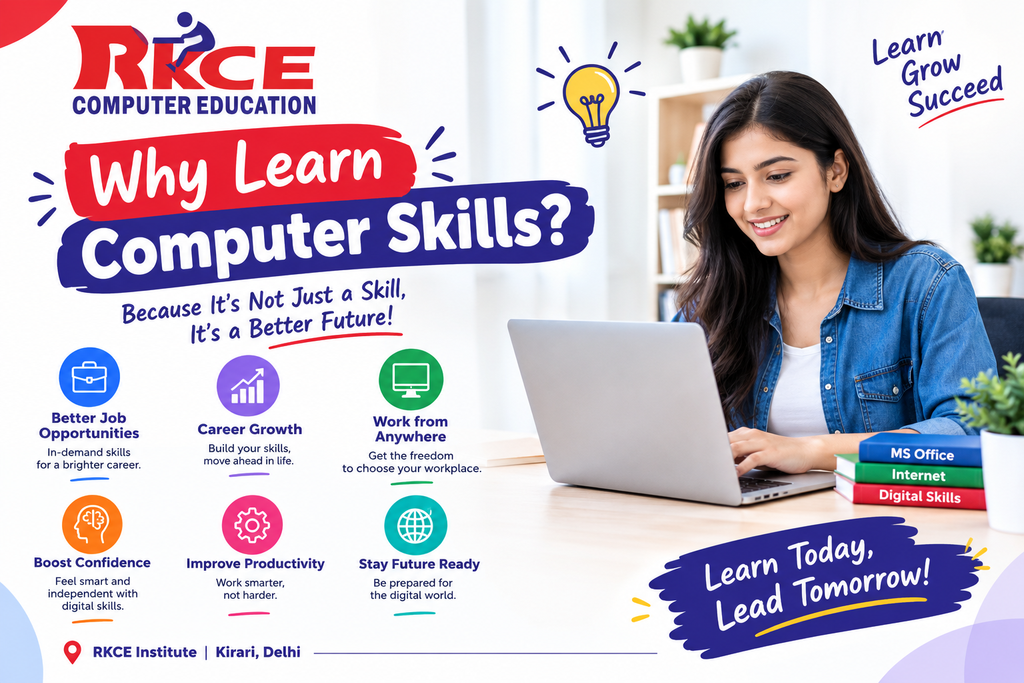
Basic Computer Course in Kirari, Delhi, at RKCE Institute
RKCE Institute is a computer training institute located in Kirari, Delhi, offering practical and career-oriented computer education. Its Basic Computer Course is designed to provide beginners with a strong foundation in essential computer operations.
According to RKCE’s course information, the basic computer program covers areas such as operating systems, file management, basic applications, and internet use.
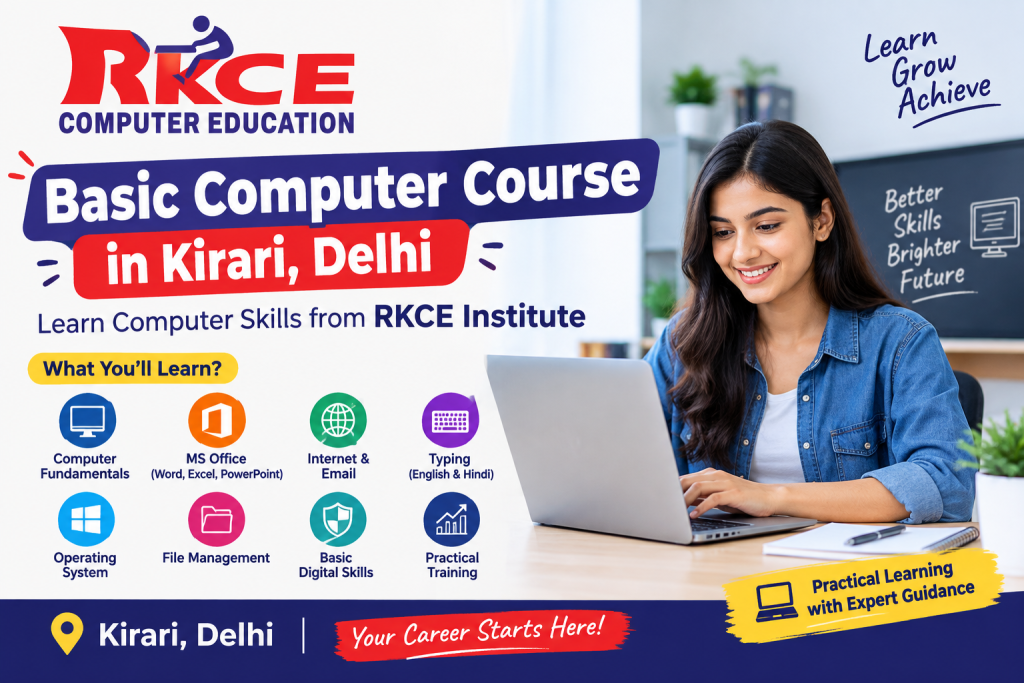
What Will You Learn in a Basic Computer Course?
A good basic computer course should start from the fundamentals and gradually introduce commonly used applications. At RKCE Institute, students can build their foundation through practical computer training.
1. Computer Fundamentals
The first step is understanding the basics of a computer.
Students can learn about:
- What is a computer?
- Types of computers
- Hardware and software
- Input and output devices
- CPU and memory basics
- Keyboard and mouse
- Operating system basics
- Starting and shutting down a computer
Understanding these fundamentals makes it easier for beginners to work independently.
2. Windows and File Management
Managing files and folders is an important computer skill for students and office employees.
You can learn how to:
- Create folders
- Rename files
- Copy and move files
- Delete and restore files
- Organize documents
- Use different storage locations
- Search for files
- Manage basic computer settings
These skills are useful in almost every office environment.
3. MS Word
Microsoft Word is one of the most commonly used applications for creating documents.
During basic computer training, students can learn how to:
- Create documents
- Type and edit text
- Format paragraphs
- Change fonts and text sizes
- Insert images
- Create tables
- Add page numbers
- Set margins
- Print documents
- Save documents in different formats
MS Word knowledge can be useful for preparing resumes, applications, letters, reports, and other documents.
4. MS Excel
Excel is an important skill for office and business work.
Beginners can learn basic Excel concepts such as
- Creating worksheets
- Entering data
- Formatting cells
- Creating tables
- Basic formulas
- SUM and AVERAGE
- Sorting data
- Filtering information
- Basic charts
- Printing spreadsheets
After learning basic Excel, students can later move toward advanced Excel, data analysis, and Power BI.
5. MS PowerPoint
PowerPoint is useful for creating professional presentations.
Students can learn:
- Creating slides
- Adding text
- Inserting images
- Applying layouts
- Using themes
- Adding shapes
- Creating simple presentations
- Running slide shows
Presentation skills can be useful for students, office employees, and business professionals.
6. Internet and Email
Internet knowledge is an essential part of modern computer education.
Students can learn how to:
- Open and use web browsers
- Search for information
- Use search engines
- Download files
- Upload documents
- Create and use email
- Send and receive emails
- Attach documents
- Use online forms
- Understand basic online safety
These skills are useful for job applications, education, communication, and online services.
7. Typing Skills
Typing is another important skill for anyone who wants to work on a computer.
Regular typing practice can help students improve:
- Typing speed
- Accuracy
- Keyboard familiarity
- Document preparation
- Data-entry efficiency
Developing good typing habits from the beginning can make computer work faster and more comfortable.
Who Should Join a Basic Computer Course?
A basic computer course in Kirari, Delhi, can be useful for different types of learners.
Students
Students can learn computer skills for assignments, presentations, projects, online learning, and future career development.
Job Seekers
Many entry-level office positions require candidates to have basic computer knowledge. Learning Word, Excel, email, and typing can help build a stronger foundation.
Beginners
If you have never used a computer or feel uncomfortable using one, a beginner-level course can help you learn step by step.
Homemakers
Computer skills can help homemakers become more comfortable with online services, documents, email, digital payments, and other computer-based activities.
Business Owners
Small business owners can use computer skills for creating documents, maintaining records, preparing spreadsheets, communication, and managing basic digital tasks.
Why Choose RKCE Institute for Computer Training in Kirari?
Choosing the right training institute can make a significant difference in your learning experience. RKCE Institute highlights practical training, experienced trainers, flexible batch timings, and career-oriented courses as part of its training approach.
Practical Learning
Instead of only learning concepts, students can practice computer tasks and develop hands-on experience.
Beginner-Friendly Training
The Basic Computer Course is designed for learners who want to start from the fundamentals.
Experienced Trainers
Guidance from trainers can make it easier for beginners to understand computer concepts and solve practical problems.
Career-Oriented Approach
RKCE offers multiple computer and professional courses, allowing students to continue their learning after completing their basic computer training.
Flexible Learning Options
The institute’s Kirari location and training approach can be convenient for students and learners looking for computer classes in the local area.
Certificate
RKCE’s institute information mentions certification as one of its course benefits.
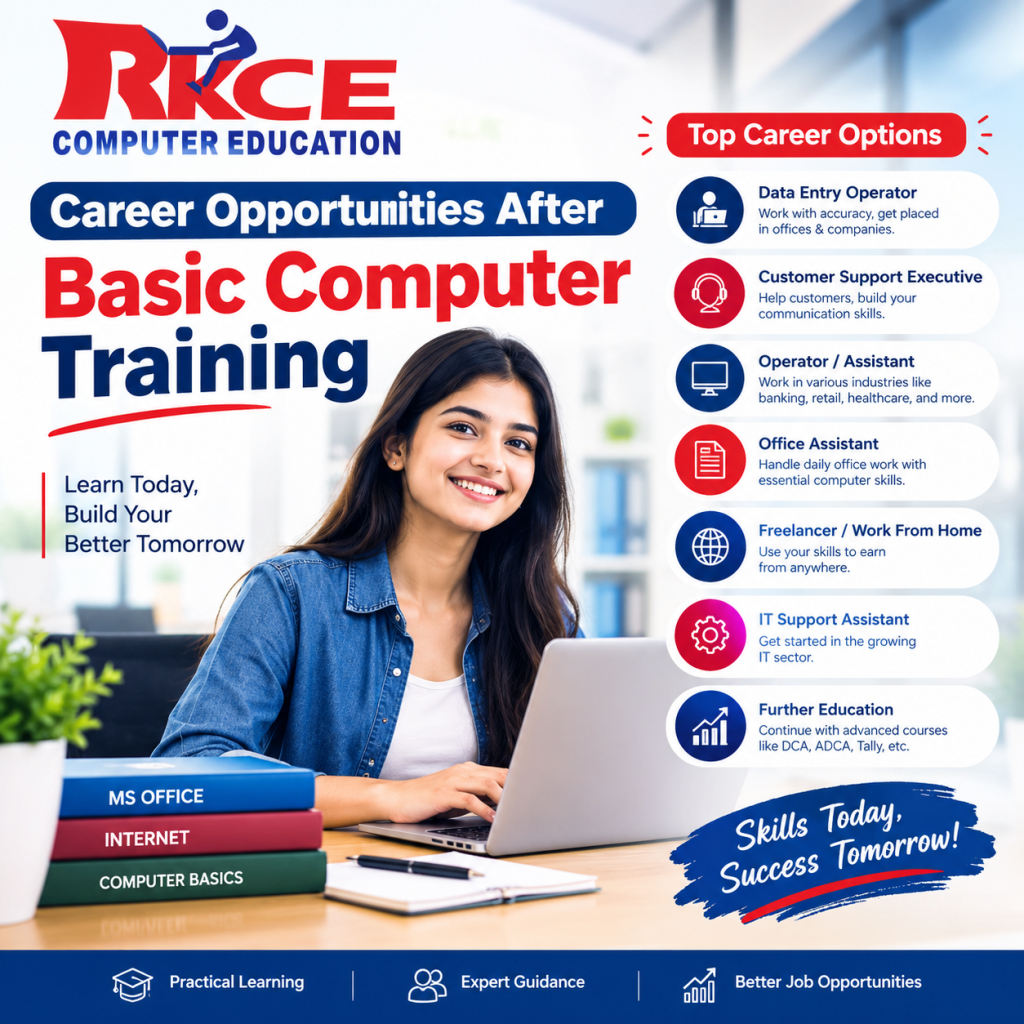
Career Opportunities After Basic Computer Training
A basic computer course is generally a foundation-level program. It does not guarantee employment by itself, but it can help learners develop the essential digital skills required for many entry-level roles.
Depending on your additional qualifications and skills, you can explore roles such as
- Computer Operator
- Data Entry Operator
- Office Assistant
- Back Office Executive
- Billing Executive
- Receptionist
- Documentation Executive
- Junior Office Assistant
For better career opportunities, students can continue with specialized courses such as DCA, Advanced Excel, Tally with GST, Digital Marketing, Web Designing, or Power BI.
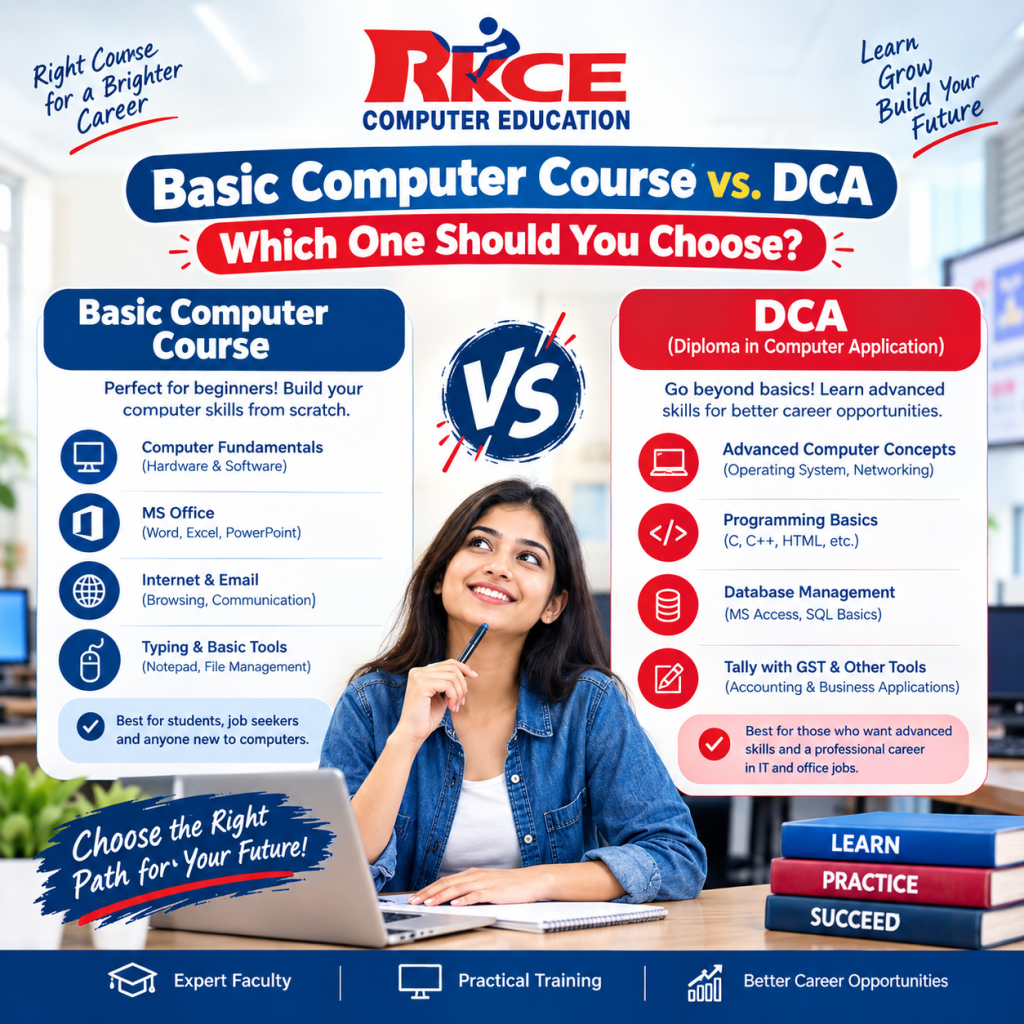
Basic Computer Course vs. DCA—Which One Should You Choose?
Both courses can be useful, but they serve different purposes.
If you are completely new to computers and want to learn essential skills such as MS Office, internet usage, typing, and basic operations, a basic computer course can be a good starting point.
If you already have basic computer knowledge and want a more comprehensive computer applications program, you can consider a DCA course.
How to Choose the Best Computer Institute in Kirari, Delhi?
Before joining a computer institute, consider the following factors:
1. Practical Training
Choose an institute where you get sufficient hands-on computer practice.
2. Course Syllabus
Check whether the syllabus covers the applications and skills you actually need.
3. Trainer Experience
Good trainers should be able to explain concepts in a simple and practical manner.
4. Lab Facilities
Regular computer practice is important, especially for beginners.
5. Course Certification
Ask about the certificate provided after successful course completion.
6. Batch Timings
Choose timings that fit your study, job, or personal schedule.
7. Future Courses
It is useful if the institute offers advanced courses so you can continue learning after completing your basic training.
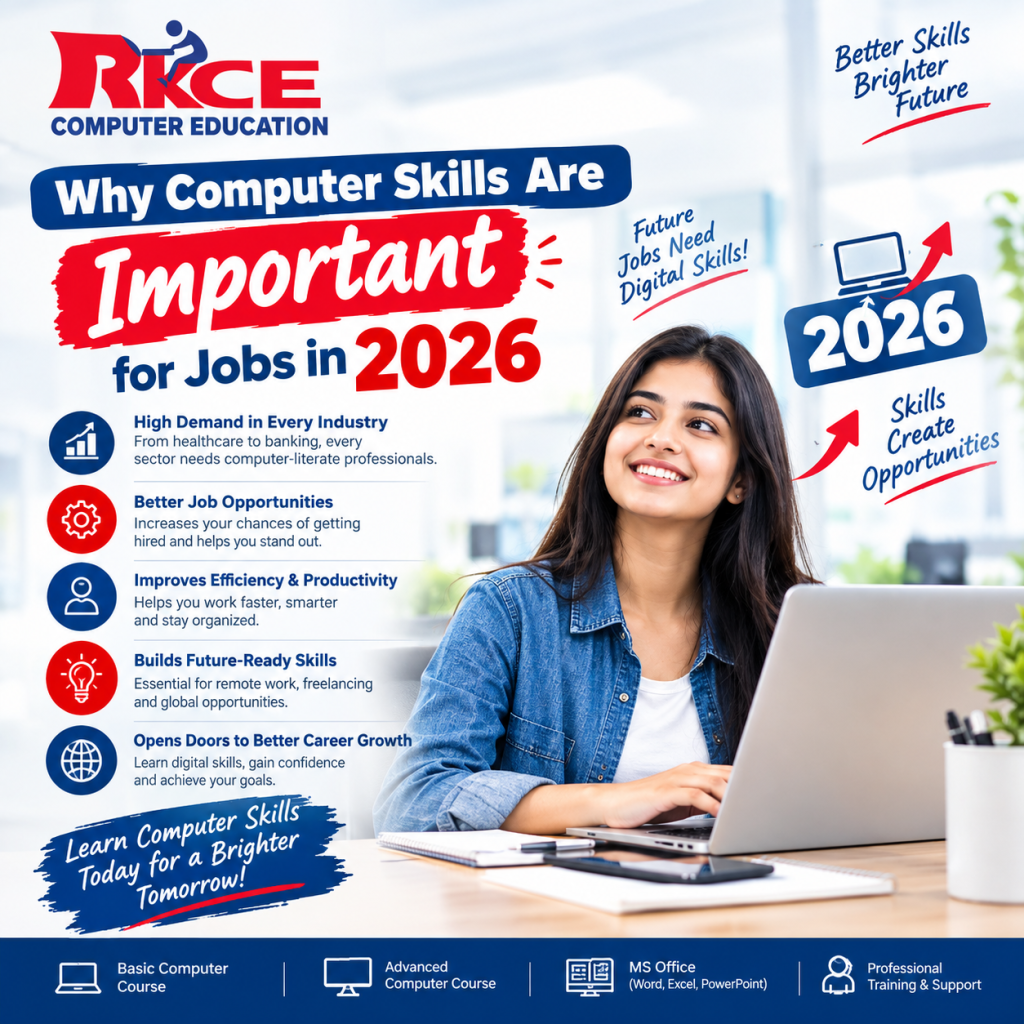
Why Computer Skills Are Important for Jobs in 2026
In 2026, digital tools are an important part of many workplaces. Employees are expected to communicate through email, prepare documents, work with spreadsheets, search for information online, and manage digital files.
Therefore, learning basic computer skills can be a valuable first step toward becoming more comfortable in a digital workplace.
Start Your Computer Learning Journey with RKCE Institute.
If you are searching for a basic computer course in Kirari, Delhi, RKCE Institute can be a practical starting point for developing essential computer skills.
From computer fundamentals and file management to MS Word, Excel, PowerPoint, the internet, email, and typing, basic computer training can help you build confidence and prepare for further learning.
Once you develop a strong foundation, you can explore advanced career-focused courses such as DCA, Advanced Excel, Tally + GST, Digital Marketing, Web Designing, Power BI, and Full Stack Development.
Ready to improve your computer skills? Contact RKCE Institute and ask about the Basic Computer Course, available batches, syllabus, duration, and current fee structure.
Frequently Asked Questions
What is a basic computer course?
A Basic Computer Course is a beginner-level program that teaches essential computer operations, file management, MS Office, internet usage, email, and other fundamental digital skills.
Who can join a basic computer course?
Students, beginners, job seekers, homemakers, and anyone who wants to improve their basic computer skills can consider joining the course.
Is a basic computer course useful for jobs?
Yes, basic computer knowledge can be useful for entry-level roles such as computer operator, data entry operator, office assistant, and back-office positions. However, employment also depends on your education, practical skills, experience, and the specific job requirements.
What can I learn after completing a basic computer course?
After building basic skills, you can learn advanced Excel, DCA, Tally with GST, digital marketing, web designing, Power BI, or other specialized computer skills.
Where can I learn a basic computer course in Kirali, Delhi?
RKCE Institute offers basic computer training in Kirari, Delhi, along with several other computer and professional courses.
Is practical training important for beginners?
Yes. Practical training allows students to actually use computer applications and perform tasks instead of only memorizing theoretical concepts.
Conclusion
Learning computer skills can be an important first step toward education, employment, and digital independence. If you are a beginner and searching for a basic computer course in Kirali, Delhi, choose a program that provides simple explanations, regular practice, and practical computer training.
RKCE Institute offers beginner-focused computer training in Kirari and provides opportunities to continue learning through other professional computer courses.
